How to Update Your EPFO KYC Online: A Step-by-Step Guide
How to update your EPFO KYC online: documents needed, step-by-step UAN portal steps, bank validation rules, and fixing profile errors under SOP 3.0.
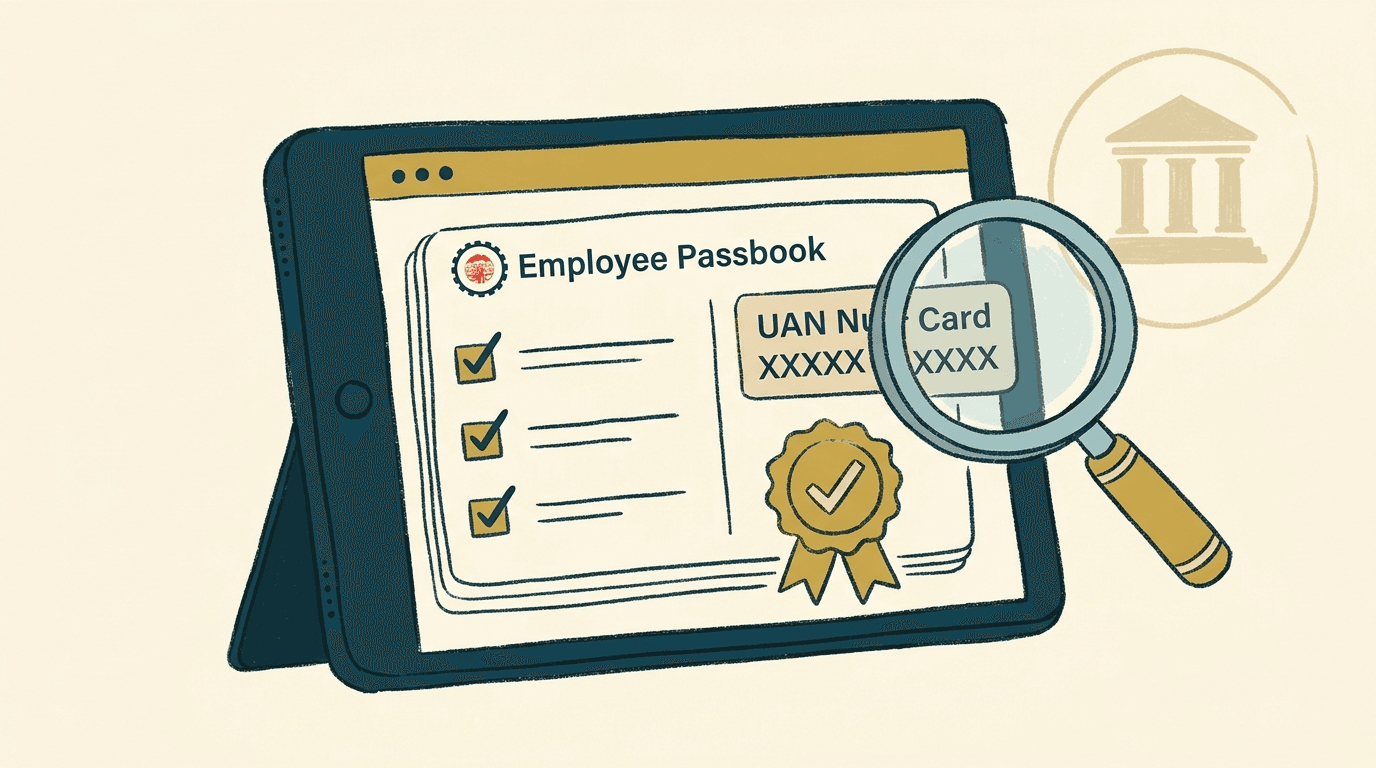
Updating your EPFO KYC online links your verified identity and banking records to your Universal Account Number (UAN). You can complete the entire submission on the official EPFO Member Portal by submitting your bank account details, PAN, and Aadhaar card. Having active KYC is mandatory before you can submit online PF withdrawal claims, transfer funds between accounts, or avoid higher tax deductions under income tax rules.
EPFO KYC updates run through the Unified Member Portal. Most bank account validations now verify automatically through banking channels and NPCI. For demographic corrections such as name or date of birth discrepancies, members and employers submit an online Joint Declaration under EPFO SOP Version 3.0.
Why Updating Your EPFO KYC Matters
Online settlements, Section 192A tax optimization, and seamless transfers.
Keeping your KYC records current is an operational requirement for managing your provident fund savings. The Employees’ Provident Funds and Miscellaneous Provisions Act, 1952and the Employees’ Provident Funds Scheme establish strict identity validation rules before disbursing accumulated savings:
- Online Claim Settlements: You cannot file online settlement claims without verified KYC. This restriction applies to full PF withdrawal after leaving employment (Form 19), pension withdrawal benefits (Form 10C), and partial non-refundable advances for medical or housing needs (Form 31).
- Reduced TDS on Premature Withdrawals: Under Section 192A of the Income-tax Act, 1961, premature PF withdrawals before five continuous years of service attract Tax Deducted at Source (TDS). If your withdrawal is ₹50,000 or higher and your PAN is verified on the UAN portal, TDS is deducted at 10%.
- Protection Against Higher Tax Rates: If your PAN is not seeded, the Finance Act, 2023 sets the TDS rate at 20%. Linking your PAN prevents this higher deduction.
- Exemption for Tax-Free Withdrawals: No TDS applies if your withdrawal is under ₹50,000, if you completed five or more years of service, or if you submit a valid Form 15G or Form 15H self-declaration showing your total taxable income is below the threshold.
- Seamless Account Transfers: When switching employers, linking Aadhaar and bank details allows automated transfer of balances to your new establishment.
Documents Accepted for EPFO KYC
Primary verification credentials, validating authorities, and approval workflows.
The member portal supports several government-issued documents. While Aadhaar, PAN, and bank credentials are the core requirements, members can record other identity proofs for specific administrative verifications:
| Document Type | Primary Purpose | Validation Authority | Approval Workflow |
|---|---|---|---|
| Aadhaar | Mandatory identity verification and online e-Sign authentication | UIDAI | Direct OTP validation on registered mobile |
| Bank Account | Electronic crediting of claim settlements and PF advances | Member Bank / NPCI | Automated bank validation or employer digital signature |
| PAN | Tax deduction compliance and Section 192A TDS rate reduction | Income Tax Department | Electronic matching with tax records |
| Passport | Identity confirmation for international workers and overseas residency | Ministry of External Affairs | Verification against passport records or employer review |
| Driving Licence | Secondary proof of identity and address | State Transport Department | Employer digital signature review |
| Election Card | Alternative voter identification and residence record | Election Commission of India | Employer digital signature review |
Step-by-Step Guide to Update EPFO KYC Online
Step-by-step submission on the official Unified Member Portal.
Every employee with an activated UAN can complete their KYC submission in six direct steps on the EPFO Unified Member Portal. As noted in ClearTax’s guide, keeping your mobile number linked with Aadhaar is an essential prerequisite before starting the online update.
Log In to the Unified Member Portal
Visit the EPFO Member Portal interface. Enter your 12-digit UAN, account password, and visual captcha code, then click Sign In.
Open the KYC Section
Locate the top navigation bar. Click on the 'Manage' tab and choose 'KYC' from the dropdown menu.
Choose the Document to Update
The portal displays checkboxes for selectable documents. Select the checkbox next to Bank or PAN.
Enter Your Document Information
For Bank Details, enter account number twice and verify IFSC. For PAN, enter your 10-digit PAN and full name matching tax records.
Authenticate via Aadhaar OTP
Check the consent box permitting EPFO to fetch identity credentials. Enter the one-time password sent to your Aadhaar-linked phone.
Save and Monitor Submission
After successful OTP entry, your request is submitted and moves to your pending list for automated or employer clearance.
Members who prefer using a mobile interface can also complete Aadhaar seeding and check claim status through the central government’s UMANG mobile application.
Understanding KYC Status: Pending vs Currently Active
Automated bank verification through NPCI versus employer DSC approval.
After saving your details, you can monitor their progress in two tables on the KYC page:
KYC Pending for Approval
Newly submitted documents appear under the ‘KYC Pending for Approval’ table. In updated procedures outlined in EPFO administrative instructions, bank account records are transmitted for automated validation through banking networks and NPCI. If bank details match your name and Aadhaar records, the bank clears the request digitally without requiring physical employer interaction.
Where automated verification cannot confirm the record, or for specific document types, your employer must approve the request using a registered Digital Signature Certificate (DSC) or electronic signature.
“A document only enables online claim withdrawals once it moves from 'KYC Pending for Approval' to the 'Currently Active KYC' section.”
Currently Active KYC
Once cleared by the bank, tax department, UIDAI, or employer, the document moves into the ‘Currently Active KYC’ table. This table displays the approved document number, effective date, and an ‘Approved By’ note showing whether clearance came through your employer or via automated verification.
Resolving Profile Discrepancies: Joint Declaration SOP Version 3.0
Online digital framework for correcting name, DOB, and relationship records.
A frequent barrier to KYC approval is a mismatch between your EPFO profile and your government documents. If your name, father’s name, or date of birth in your EPF account does not match your Aadhaar or PAN, automated validation will reject your KYC submission.
To resolve these discrepancies, the EPFO issued the Standard Operating Procedure for Joint Declaration Version 3.0. This circular establishes an online joint application framework for correcting member profile data:
- Minor Corrections: Date of birth corrections of up to three years can be authenticated directly with Aadhaar as valid proof.
- Major Corrections: Discrepancies exceeding three years, or significant alterations in member or parent names, require supporting documentation such as a birth certificate, passport, or educational matriculation certificate.
- Online Workflow: Members submit the Joint Declaration under ‘Manage > Joint Declaration’. The employer reviews the application and supporting proofs online before forwarding it to the Regional EPFO Field Office for final approval.
If your KYC submission remains stuck in pending status for an extended period, or if an employer fails to act on your verification, you can lodge an official grievance on the EPFiGMS grievance portal for investigation by regional PF commissioners. As highlighted in Paisabazaar’s EPF KYC guidance, resolving profile discrepancies promptly prevents prolonged administrative delays when transferring funds between employment stints.
What This Means for Subscribers and Employers
Three strategic takeaways: proactive tax optimization, automated banking, and paperless SOPs.
Examining these digital verification steps and regulatory updates points to three practical takeaways:
- Updating your PAN is direct tax optimization: By keeping a verified PAN linked to your UAN, you ensure that any premature withdrawal above ₹50,000 is taxed at 10% rather than the flat 20% non-PAN rate. Taking five minutes to verify your PAN protects your balance from excessive upfront deductions.
- Automated NPCI bank verification cuts friction: Because bank validation now runs through central payment networks, subscribers do not always need to rely on former employers to clear routine bank account changes.
- SOP 3.0 creates paperless accountability: Instead of submitting physical correction letters and waiting for manual paperwork, members and employers can now upload documents and track corrections entirely within the digital portal.
Frequently Asked Questions
Bhanujeet Choudhary
Head of Compliance, KYCKART
Published September 28, 2026
Disclaimer: This article provides general educational and operational information regarding EPFO procedures and does not constitute legal, regulatory, tax, or compliance advice. Subscribers and establishments should refer to official EPFO circulars or consult legal and tax professionals for specific individual cases.
Next Steps for Enterprise
Automate Bank & Identity Verification for Payroll & HR
Integrate instant penny-drop bank account validation, PAN tax matching, and Aadhaar verification directly into your HRMS and payroll workflows.
Explore Onboarding Solutionsarrow_forward